Save a shared clip
Keep a downloadable recording from a public audio link for later listening.
Free audio link extractor
Paste a public audio link, preview the file, and download it. Need the words too? Turn the audio into a readable transcript, all on this page. No account needed.
Start with a direct MP3, WAV, M4A, OGG, OPUS, or WebM URL, or a public page with an audio player. Download the original audio without changing its format.
Extract audio from a link
Paste a public audio URL or a page with embedded audio. Preview and download the file, or turn speech into text.
Up to 10 MB. Transcription: up to 10 minutes. Sign-in pages and streaming-only links may not work.
A quick transcript is useful when listening again is slow, noisy, or inconvenient.
What to expect from your audio and the result.
Fetch an audio file from a public URL without downloading it manually first. You can listen to the result here, save the original audio, or transcribe the speech into text.
Direct MP3, WAV, M4A, OGG, OPUS, and WebM links work, along with public pages that expose a supported audio source. If a page has several sources, the tool returns the first supported file it can fetch.
Files can be up to 10 MB. Audio download keeps the original format; this tool does not convert video to MP3 or unlock private streams. Optional transcription supports clips up to 10 minutes.
The process is intentionally simple: choose an audio source, transcribe it, then use the text.
Use an audio file link or a webpage with embedded audio, then select Extract Audio.
Listen to check that it is the right recording. Select Download audio to save the original file.
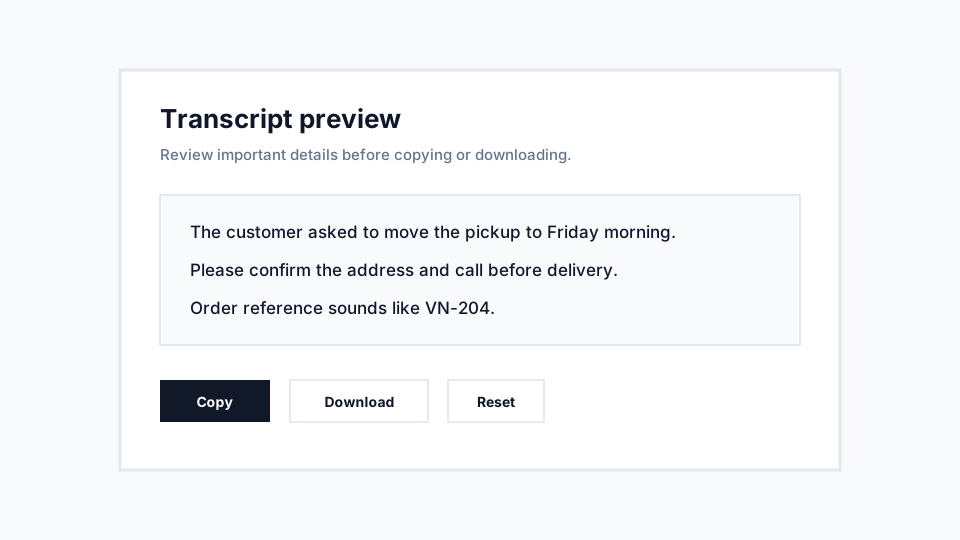
Choose the spoken language and select Transcribe Audio. Review, copy, or download the text.
A few everyday ways to use your audio.
Keep a downloadable recording from a public audio link for later listening.
Turn a short shared recording into text you can scan and search.
Preview an interview excerpt or study clip, then transcribe the details you need.
Practical ways to get a transcript that is easier to review.
An audio download link is more reliable than a page that builds its player after loading. If extraction fails, save the audio from the original site and use Upload.
Pages can contain more than one recording. Listen briefly before saving or transcribing the extracted file.
For audio longer than 10 minutes, download the file and trim it to the part you need before uploading it for transcription.
Ideas for turning spoken audio into something useful.
Paste a public URL ending in .mp3 or another supported format. Links with download parameters can work too.
Paste the page URL. If it includes a downloadable audio source, the tool can find and prepare that file.
Private sharing pages and streaming-only players may not expose a file. Download audio you can access from the source, then use the Upload tab.
Help with formats, supported sources, and your next step.
Practical notes about using VoiceNoteToText for this workflow.
The link tool is useful when audio is already online and you do not want to download it manually before transcription.
Use a direct audio link or a simple page with a supported embedded audio source, then let the converter extract audio from the link.
The audio link to text workflow is intended for short clips and common web audio formats, matching the same practical limits as uploaded or recorded audio.
Choose the right VoiceNoteToText input method for saved files, live recordings, and public audio links.
7 min readA practical first-time guide to choosing an audio source, transcribing it, and saving the transcript.
8 min readPlain-English explanation of processing, returned transcripts, lightweight metadata, and privacy-sensitive use.
9 min readConvert supported audio files such as MP3, WAV, M4A, OGG, OPUS, and WebM into readable text.
Use audio converterRecord a short microphone clip in the browser and turn the recording into text.
Record audioTurn saved voice messages from common messaging apps into searchable text.
Convert voice messagesUpload saved WhatsApp voice notes and read the message instead of replaying it.
Convert WhatsApp audio