Audio Quality
Improve Transcription Accuracy
Learn the practical audio-quality factors that affect transcript reliability.
Record Audio to Text →Last updated: 2026-09-25 · 10 min read
Check the source before transcribing again
Listen to a short section at normal volume. If you cannot distinguish the words, another transcription attempt with the same source may not fix them. Start with a clearer original, less noise, or a shorter excerpt with one speaker.
Choose the main spoken language and keep the original file format when it is supported. Repeated conversion does not restore missing speech detail. For a noisy or mixed-language clip, review the uncertain passages against the audio instead of treating a fluent sentence as proof of accuracy.
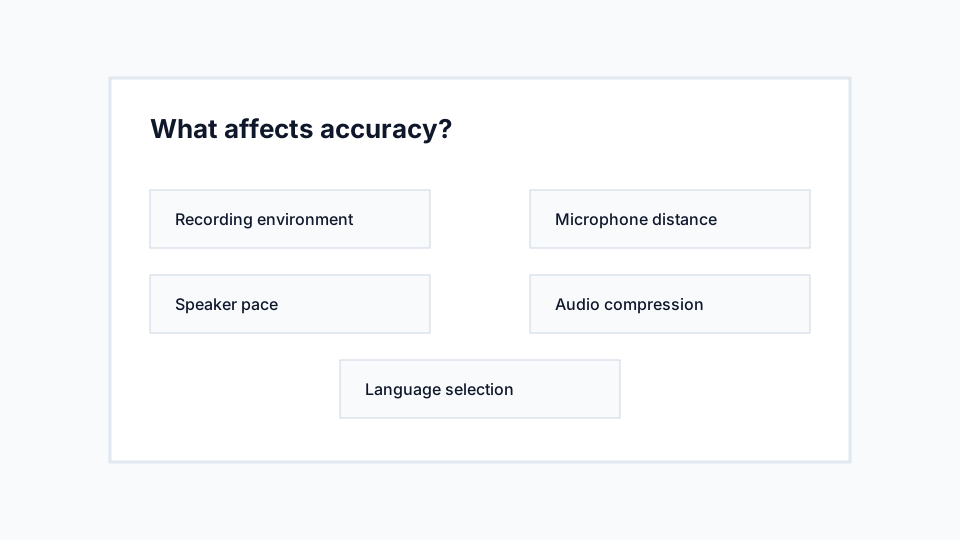
There is no single accuracy percentage for all recordings. Accents, overlapping voices, names, background sound, and compression all affect the result. Check the details that matter for your intended use.
Reduce noise before recording
Background noise competes with speech. Fans, traffic, music, keyboard taps, and room echo can all make words harder to recognize. Move closer to the speaker and reduce noise at the source when possible.
Noise reduction after recording can help, but it may also remove parts of speech. A cleaner original recording is usually better than trying to repair a poor one later.
Keep the microphone close but not overloaded
A phone or laptop microphone should usually be close enough to capture speech clearly but not so close that words distort. If the audio sounds clipped, harsh, or boomy, increase the distance slightly.
For group audio, place the microphone centrally and reduce side conversations. Multiple people talking over one another is one of the hardest cases for any transcription tool.
Choose the correct language
Specific language selection can help when the recording is clearly English, Hindi, Portuguese, Spanish, French, Nigerian Pidgin English, or Ghanaian Pidgin English. Auto detect is useful when you are unsure.
Accents are normal, but very fast speech, code-switching, and heavy background noise can reduce reliability. Review names, local terms, and technical vocabulary after transcription.
Recommendations
- Record in a quiet room where possible.
- Ask speakers to avoid talking over one another.
- Use the most specific supported language option.
- Split very long recordings into smaller reviewable clips.
Limitations
- Poor source audio cannot always be rescued.
- Multiple speakers may not be identified separately.
- Specialized names and technical terms may need manual correction.